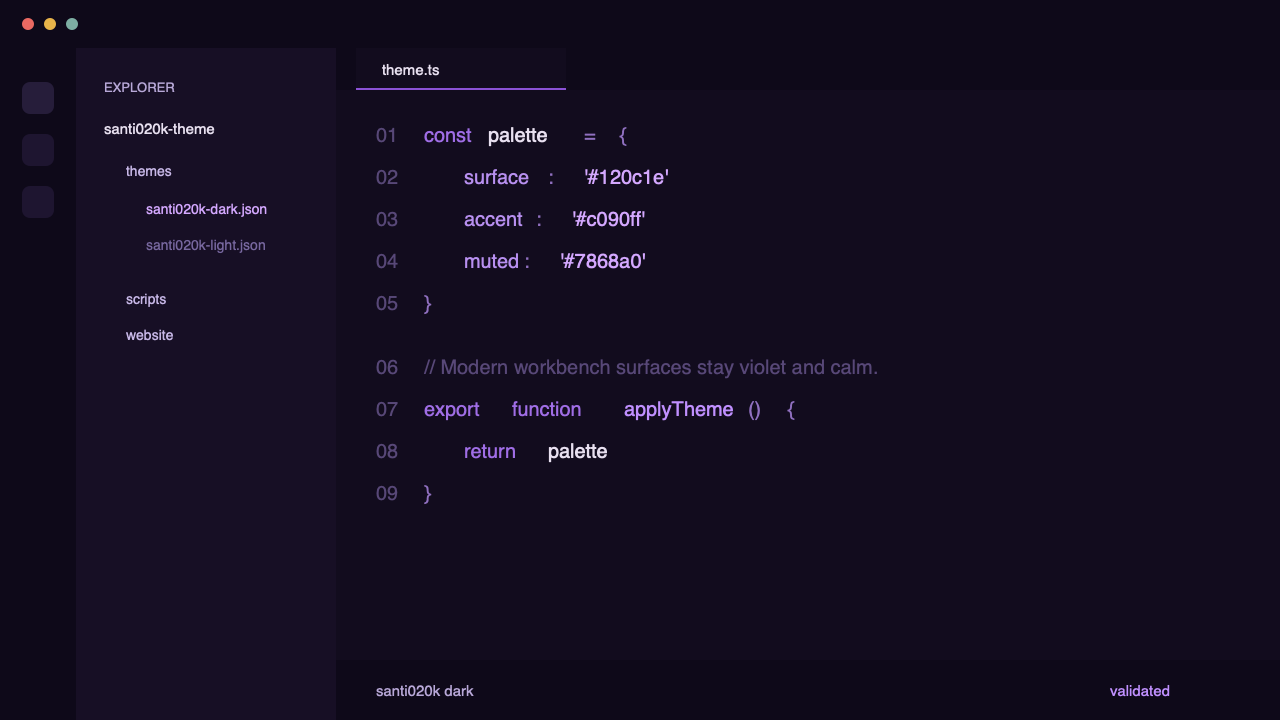
Santi020k Dark
Deep indigo-black editor surfaces with muted lavender foregrounds and violet focus states for long sessions.
Zed theme
Dark and light Zed variants generated from the same Santi020k color system used across VS Code, Chrome, and Terminal. Calm contrast, minimal noise, direct install.
Preview
Deep indigo-black editor surfaces with muted lavender foregrounds and violet focus states for long sessions.
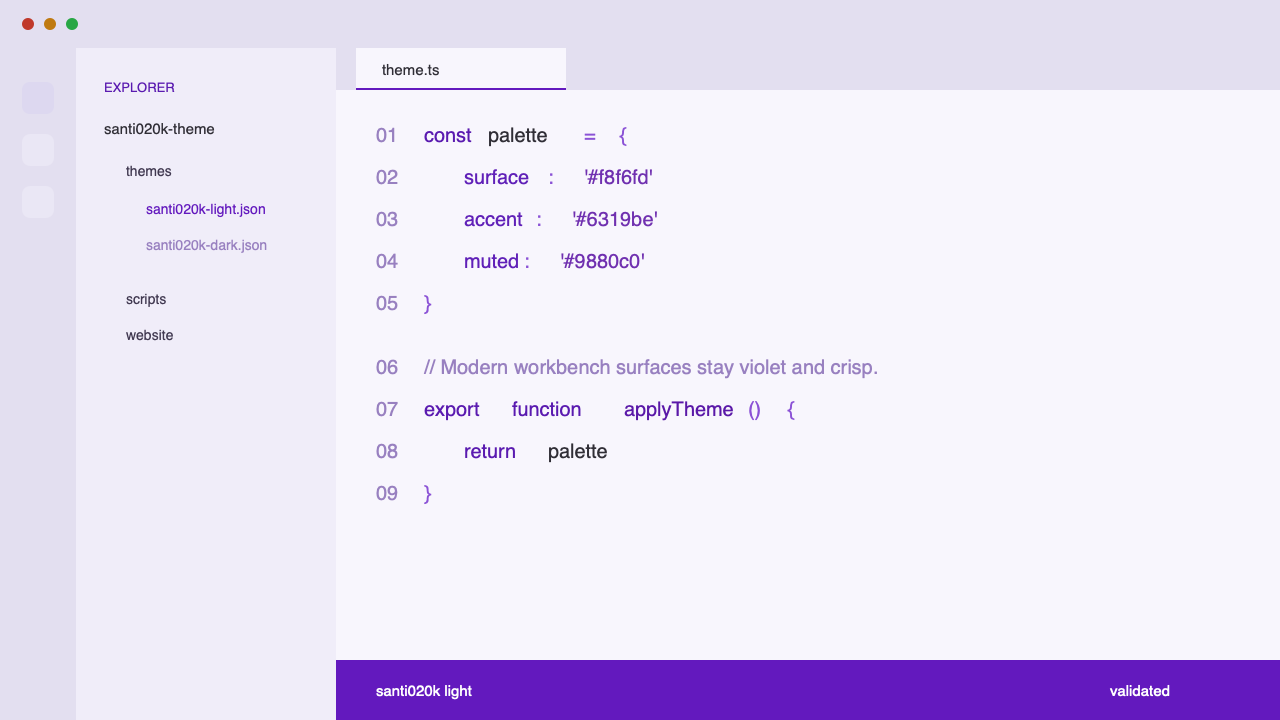
Lavender-tinted light surfaces with stronger purple accents where light-mode contrast needs more structure.
Variants
Dark
Light
Install
Build the package, place the generated JSON in your local Zed themes directory, then switch to Santi020k Dark or Santi020k Light inside the editor.
packages/santi020k-zed-theme.~/.config/zed/themes if it does not exist.santi020k.json into that directory and select the theme in Zed.The theme is generated from the same palette source as the VS Code release, so future updates stay aligned across editor surfaces.
pnpm --filter santi020k-zed-theme run buildmkdir -p ~/.config/zed/themescp packages/santi020k-zed-theme/themes/santi020k.json ~/.config/zed/themes/santi020k.jsonWhy Zed
The Zed theme comes from the same core color system as the rest of the Santi020k family, so updates stay consistent instead of drifting between products.
Zed dark and light variants inherit the same canvas, surface, accent, and semantic color intent as the VS Code release.
No extension packaging step is required. Zed reads the generated theme JSON directly from your local themes directory.
The palette stays purple-forward without turning neon. Focus states stay visible while long reading sessions remain calm.